A 0.2 mm nozzle can help preserve narrow features, 0.4 mm is a common all-round choice, and 0.6 mm can suit larger features. A smaller nozzle does not automatically make every surface smoother.
How does nozzle size affect 3D print quality?
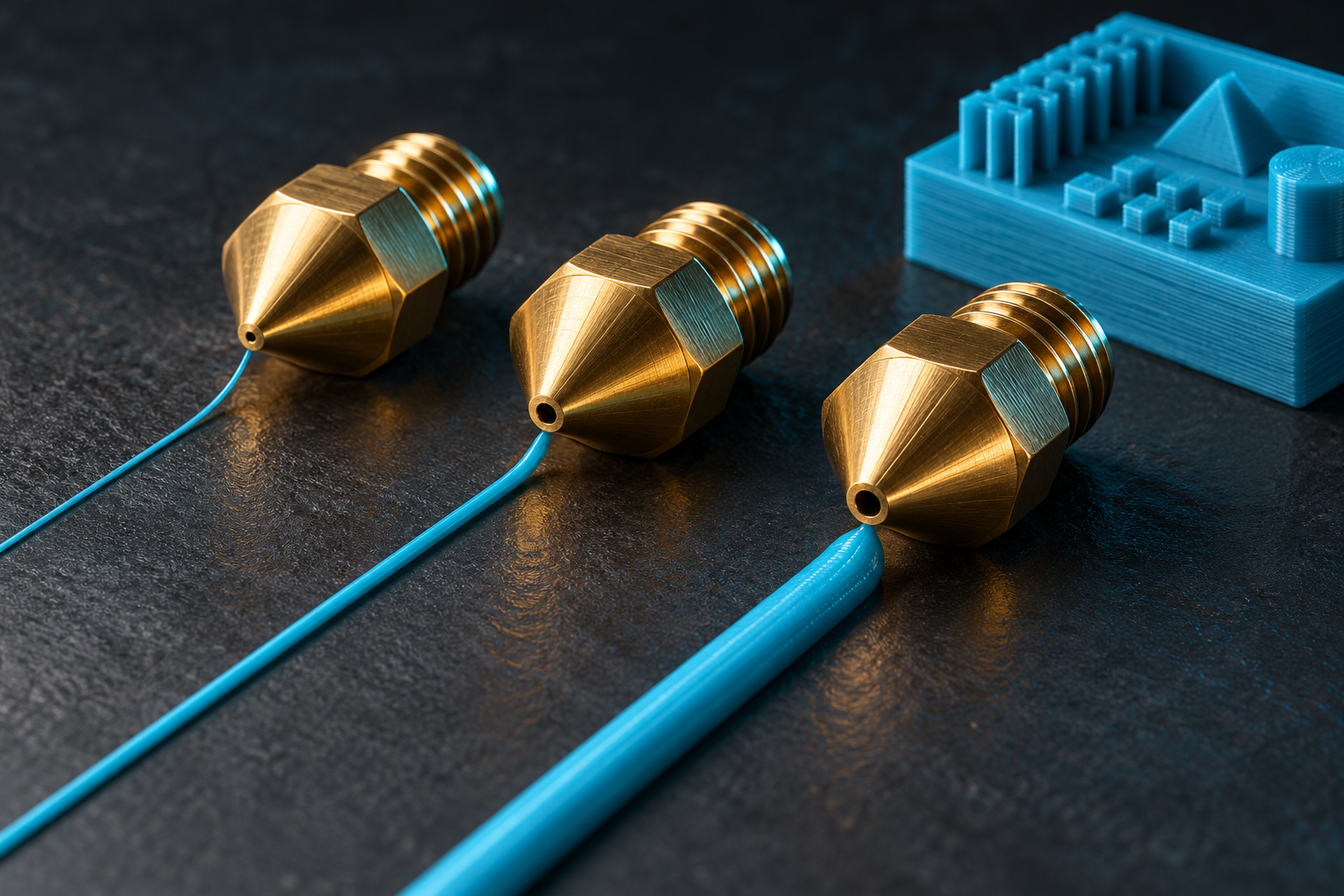
A finer tip can draw smaller features; a broader tip can cover an area with fewer passes. That is a useful analogy for nozzle diameter, though the actual printed line width also depends on the slicing settings.
The three circles below compare nominal openings only. They are not a prediction of extrusion width or the smallest printable feature.
0.2 vs 0.4 vs 0.6 mm nozzle: which should you choose?
The best choice depends on the model and compatible printer profiles. These are common reasons to discuss each size, not promised production settings.
| Diameter | Why consider it? | Tradeoff |
|---|---|---|
| 0.2 mm | Small lettering and narrow decorative features | More passes can increase print time. |
| 0.4 mm | A balance for many everyday designs | Very small details may need redesign. |
| 0.6 mm | Larger parts and broader features | Fine features may be simplified or lost. |
What is the difference between nozzle size and layer height?
Diameter describes the nozzle opening. Layer height describes how much the print grows upward per layer. A 0.4 mm nozzle does not mean the model is printed in 0.4 mm layers.
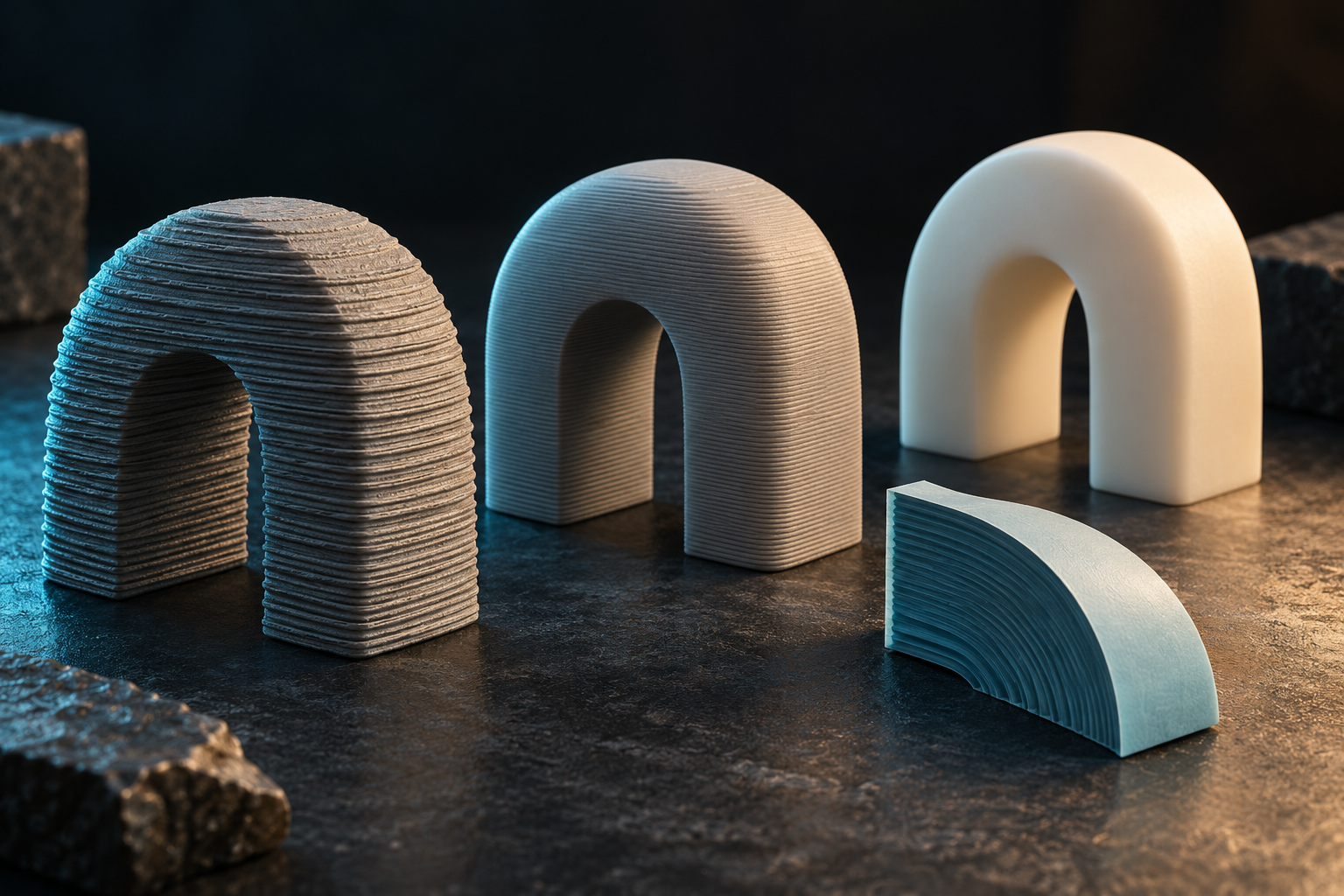
The slicer, material and printer profile set the usable range. Smaller layers can reduce visible stepping on slopes, while a smaller nozzle helps with narrow features in the horizontal plane. One setting does not replace the other.
What nozzle size works for small text and logos?
Tell us the smallest letter height and whether text should be raised or recessed. Send an image of the intended appearance. We may suggest a bolder font, larger lettering, a different orientation or resin printing.
For a logo, recognizability at the actual size matters more than preserving every tiny line from the original artwork. A sample can make that tradeoff much easier to judge.
Do I need to choose a nozzle when ordering a print?
You can request “readable small text,” “a smooth curved front,” or “a quick functional prototype” instead of specifying a nozzle. Mark the important face of the model and tell us how it will be viewed.
That lets us consider nozzle choice, layer height, orientation and finishing as one plan. We will confirm whether a special setup is appropriate for your file.
Questions before you order
Is a 0.2 mm nozzle better than a 0.4 mm nozzle?
It can help with narrow lettering and fine features that a 0.4 mm nozzle cannot reproduce as well. The tradeoff can be longer production time. For a large simple part, the smaller nozzle may offer little useful improvement.
Can a 0.6 mm nozzle still make a good-quality print?
Yes, when the model’s features suit wider printed lines. A larger nozzle can work well for broader shapes, while very small details may be lost. Layer height, orientation and finishing also affect what the surface looks like.
Does a smaller nozzle remove layer lines?
No. Nozzle diameter mainly affects narrow features across a layer; layer height affects stepping as the print grows upward. A smaller nozzle can improve small text while leaving visible layers on a curved side.
How small can 3D printed text be?
There is no universal minimum that works for every font and material. Letter height, stroke width, raised or recessed text, orientation and the printing process all matter. Send the artwork at its final size; we can review a bolder font, larger letters or resin printing.
Plan your project
Custom 3D printing for signs, logos and parts →CAD modeling and design support →Further reading
Manufacturer references behind this guide. Material availability and the right setup are confirmed for each project.
Prusa: how nozzle diameter changes detail and print time ↗Prusa: nozzle choices and compatible profiles ↗Prusa: layers and perimeters ↗